
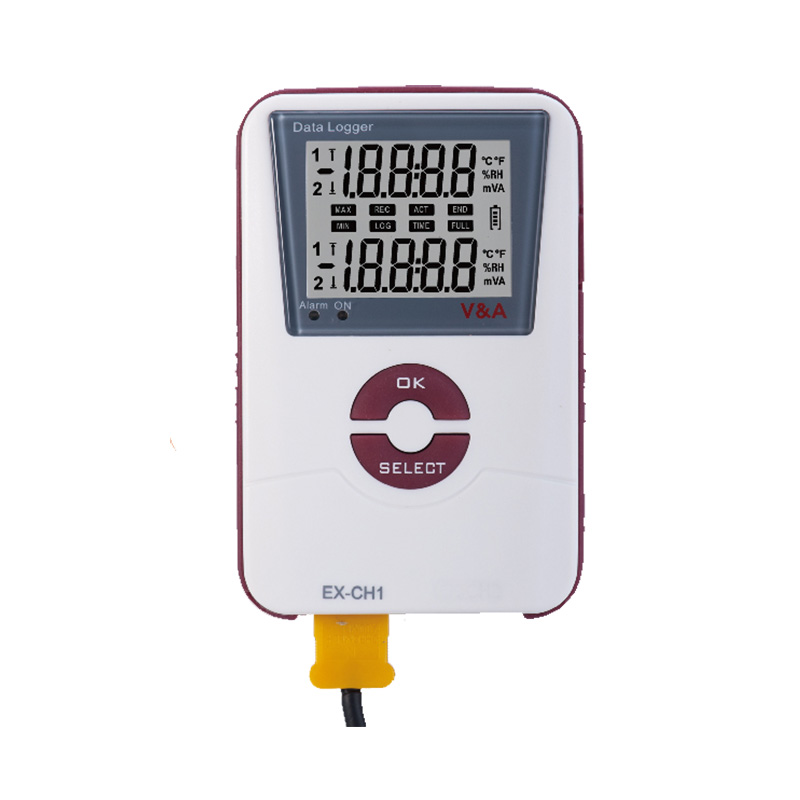
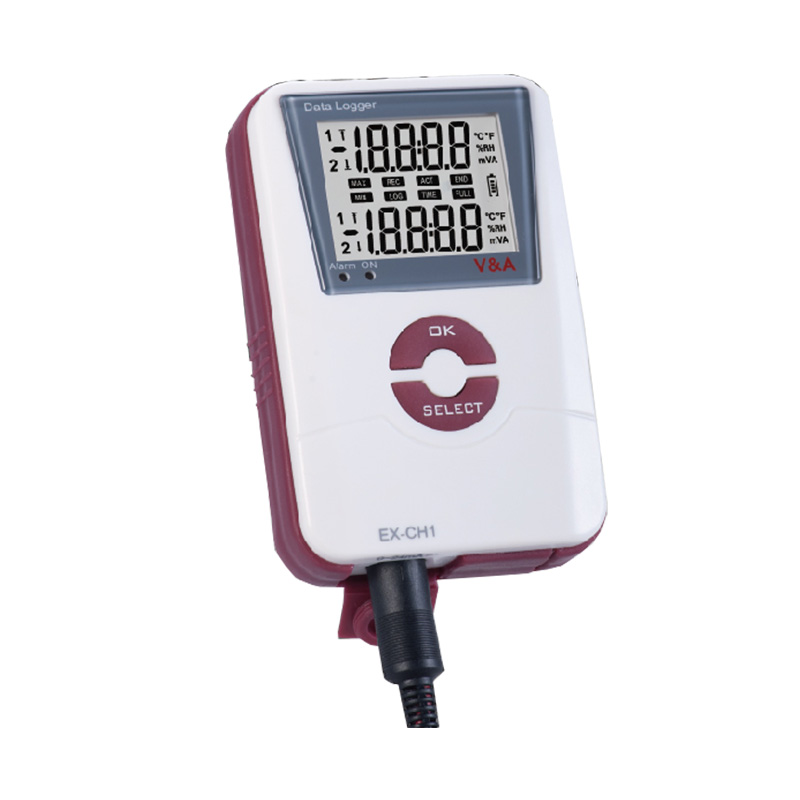
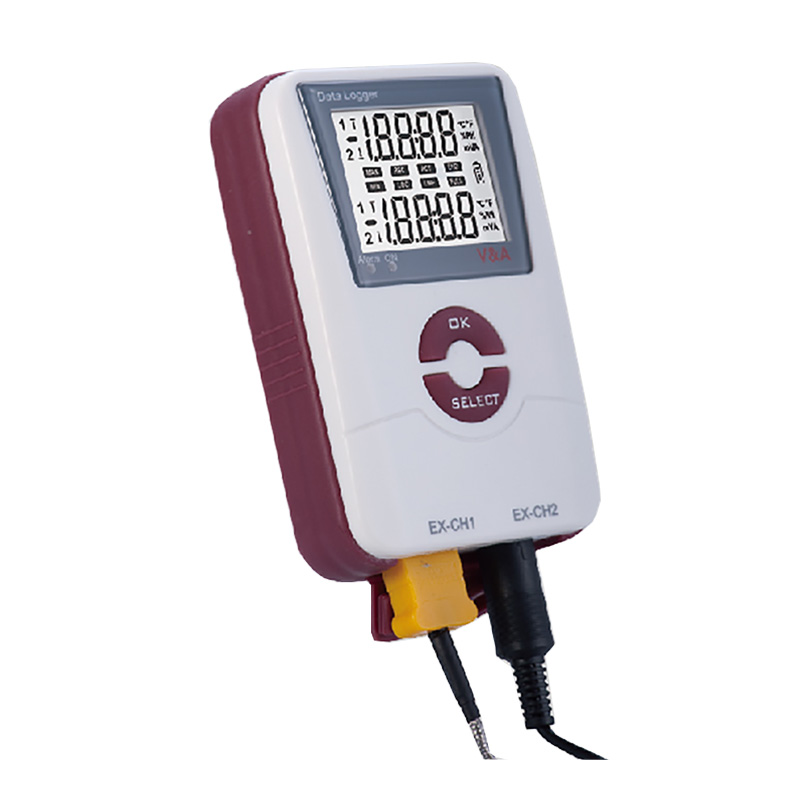
The Data logger is multifunction measurement data logger (such as temperature, humidity, AC/DC current,
AC/DC voltage). It can use difference standard sensor for temperature measurement like Thermocouple and RTD. Data Logger have two measurement modes, one is the online mode and logger mode.
Online Mode: you can use the USB to connect the computer with the Data Logger, according the software interface you can get the real-time measurement data and the wave curve online.
Logger Mode: the software interface can set difference log operation after offline state. If the configuration is complete, it can be measured for offline state, and can keep 16,000 record data each 2 log bank in build-in memory without battery. After completing the
measurement, you can connect to computer read the data on the software interface, also can get the curve and graph.

 Mini-USB plug.
Product Parameters:
| Data Logger | |||||
| Parameter | Basic
type |
Single
type |
Dual
type |
||
| Type | Sensor | ||||
| Build-in function | N | Build-in NTC | ● | ● | ● |
| NH | Build-in NTC | ● | |||
| Build-in RH% | |||||
| voltage | V1 | V DC | ○ | ○○ | |
| V2 | V AC | ○ | ○○ | ||
| Current | A1 | mA DC | ○ | ○○ | |
| A2 | A AC | ○ | ○○ | ||
| Thermocouple | TK | K TYPE | ○ | ○○ | |
| TJ | J TYPE | ○ | ○○ | ||
| PTC | R1 | PT100 | ○ | ○○ | |
| R2 | PT1000 | ○ | ○○ | ||
| ○: Can be choose ●: Must be choose | |||||
Model record sheet corresponding to those measurements function and specifications of the corresponding
| Specifications | VA600-NH | VA601 | VA602 | ||||||||||
| Measurement Range | -40℃~70℃ / 0.0~99.9% | see “External Channel Selection” | |||||||||||
| Accuracy | ±0.5℃/±4.0%RH | see “External Channel Selection” | |||||||||||
| Sensor Type | Internal | External | 2 x External | ||||||||||
| Resolution | Temperature | 0.1℃ | 0.1℃ | 0.1℃ | |||||||||
| Humudity | 0.10% | / | / | ||||||||||
| Data Storage | Up to 16000 data records | ||||||||||||
| Max./Min. Display | √ | √ | √ | ||||||||||
| Alarm function | √ | √ | √ | ||||||||||
| Software | English/Chinese/French/German/Spanish/Italian | ||||||||||||
| Record Interval | 5 s to 24 hour | ||||||||||||
| USB Port to PC | record data and generate cure, export file with TXT/Excel | ||||||||||||
| Low power indication | √ | √ | √ | ||||||||||
| Real-time clock RTC | √ | √ | √ | ||||||||||
| Auto dormancy/wake up | √ | √ | √ | ||||||||||
| LCD Display | 43×33(mm) | ||||||||||||
| Power supply | 3.6V Li-Battery (ER14250) | ||||||||||||
| Dimension | 113 x 74 x 32 mm | ||||||||||||
| Weight | 150 g | ||||||||||||
| Housing | IP40 | IP65 | IP65 | ||||||||||
| Accessories | PC software,USB Cable,Li-Battery | ||||||||||||
| External Channel Selection | |||||||||||||
| Model | TK | TJ | R1 | R2 | A1 | A2 | V1 | V2 | |||||
| Measure range | -200~800℃ | -200~800℃ | -200~850℃ | -200~850℃ | -24-24mA | 0-600A | -50-50V | 0-400V | |||||
| Accuracy | ±1.2℃ | ±1.2℃ | ±(0.5%+0.5℃) | ±(0.5%+0.5℃) | ±0.05mA | ±2.5% | ±0.02V | ±1.0V | |||||
| Sensor type | External K type | External J type | External PT100 | External PT1000 | External mADC | External AAC | External VDC | External VAC | |||||
Application and After-Sales Service:
The temperature & humudity data logger is widely used in cold-chain transportation field, HVAC refrigerator field, electrical industry, medical industry as well as laboratory fields.
Accessories:
| (1) | Instrument manual | 1 piece |
| (2) | Lithium-thionyl Chloride Battery inside | 1 piece |
| (3) | PC-LINK software CD | 1 piece |
| (4) | Mini-USB data cable | 1 piece |
| (5) | External channel sensor or accessories are shown following: |
General Maintenance:
 |
To avoid electrical shock or damage to the Data Logger, not wet the internal meter.
Please remove all the cable before open the case. |
| Regular cleaning with a damp cloth and a small amount of detergent instrument case, do not use abrasives or chemical solvents.
If dirty or wet input socket may affect the readings. |
Replace the battery
|
To avoid false readings caused by electric shock or personal injury, instrument displays, “” symbol, should be replace the battery immediately.
Please remove all the cable before open the case. |
Follow these steps to replace the battery:
Remove all the connection from the input jack.
Remove the screws on the case, and open the case.
Replace with new ER14250 battery.
Loaded on cover and lock the screws.
Company Name: Shanghai VA Instrument Co.,Ltd.
Address: Area A/D, 4th floor, building 22, 258 Yinlong Road, Waigang Town, Jiading District, Shanghai
Contact: Susan Yang
Tel: +86-21-69521064
Mobile:(Wechat): +86 13916627416
E-mail: [email protected]



 English
 Español
 Français
 Русский
 English
